
Pro Resume & CV Maker Guide
Pro Resume Maker richer templates deta hai, lekin strong CV ka base accurate facts, relevant examples aur clean reading order hai.
Official tool URL: akprinthub.com/en/service/cv-resume-maker
ATS-friendly resume ka simple rule kya hai?
Standard headings, readable text, job-relevant keywords aur simple section order. Graphic-heavy layout har application system mein suitable nahi hota.
Tool ke screenshots
Actual tool screens aur available demo workflows neeche diye hain. Screenshot par click karke full size mein dekhein. Har caption mein screen ka context diya gaya hai; current interface ya plan details badal sakti hain.
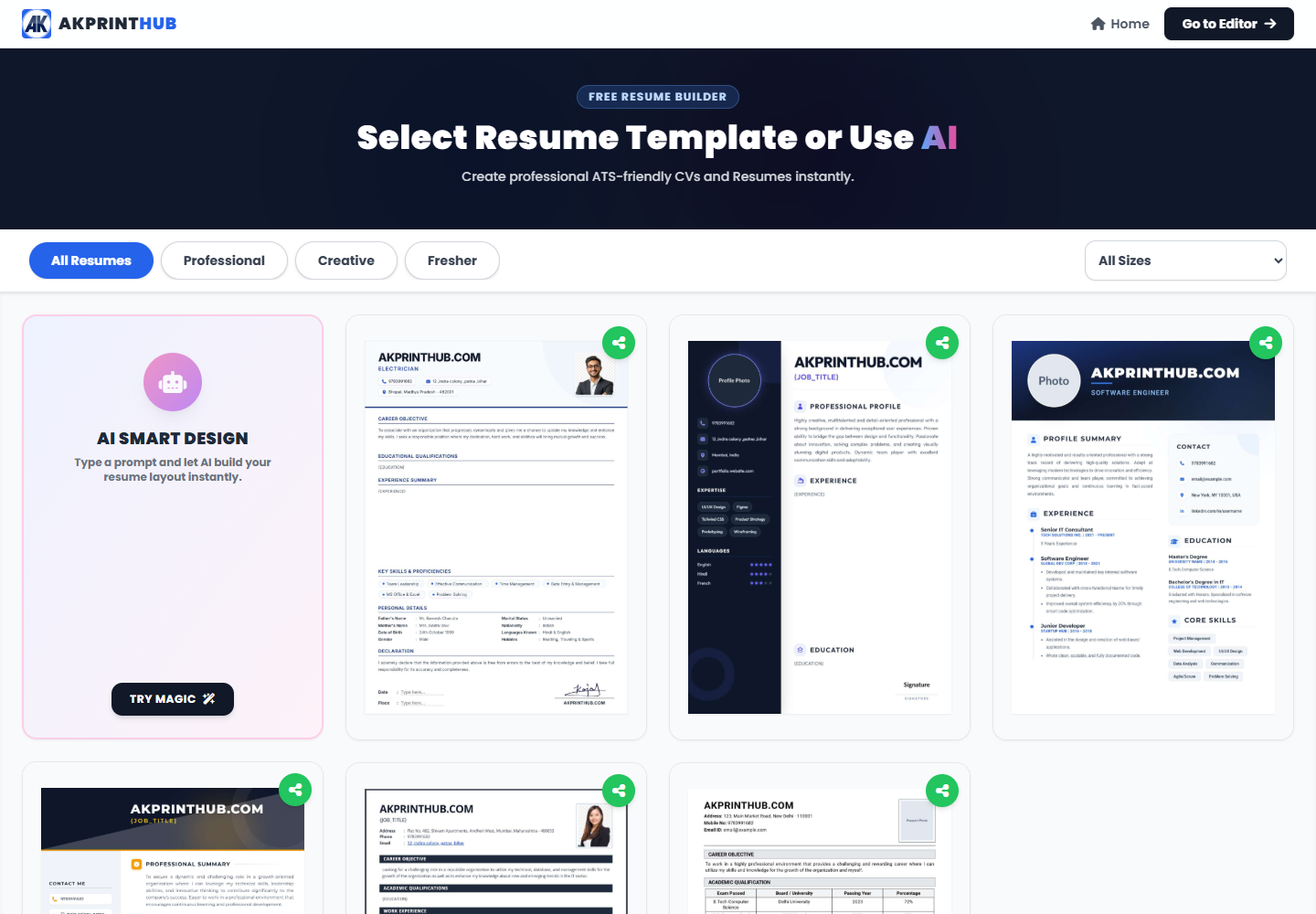
Before you start
Source file ko pehle dekh lena baad ki galti aur rework dono kam karta hai.
- Target job description.
- Correct dates and contact details.
- Measurable work/project examples.
- Skills you can explain in interview.
How to use this tool
Role ke hisab se template choose karein
Simple layout prefer karein.
Profile summary likhein
Job aur experience level ke relevant 2–3 lines.
Experience/projects add karein
Action + work + result format use karein.
Skills order karein
Most relevant skills first.
PDF proofread karein
Phone/desktop, page break and spelling check.
AI-jaisa generic resume kaise avoid karein?
“Hard-working team player” jaise generic labels ke bajay apne real work ka context likhein: kis tool se kya banaya, kitne customers handle kiye, ya kis process ka time kam hua.
Job description ke exact relevant terms naturally use karein, lekin wahi skill likhein jo interview mein samjha sakte hain. Har job ke liye summary aur top skills order thoda adjust karein.
Check before download or print
- Contact details correct.
- No invented claims.
- Dates consistent.
- PDF text readable/selectable.
Common mistakes
- Har job ko same summary bhejna.
- Skill keyword stuffing.
- Sensitive ID details add karna.
- Decorative two-column layout without need.
Questions users usually ask
Freshers ke liye one page?
Aksar enough hai; relevant projects/training ko concise rakhein.
ATS ke liye photo add karein?
Employer maange tabhi; many roles mein photo unnecessary hai.
Resume aur CV difference?
Usage region/role par depend karta hai; jobs ke liye concise resume common hai.