
Design Maker Tools Guide
A template gives structure, but accurate copy, readable type and a final proof make the design useful. Pick the tool closest to the finished item.
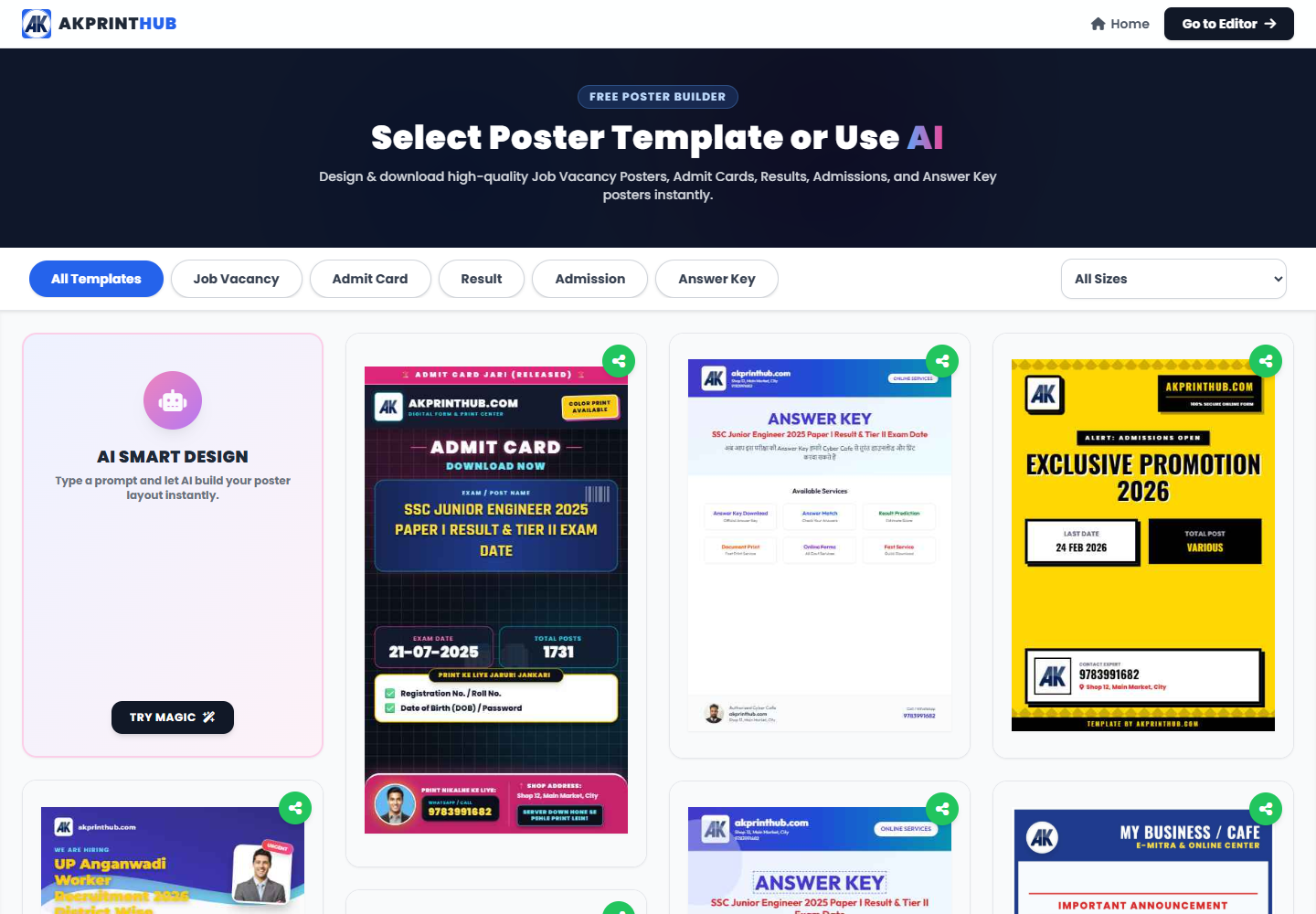
Official tool URL: akprinthub.com/en/service/pro-poster-maker
Which design maker should I use?
Use Marriage Biodata for personal profiles, Pro ID Maker for school or staff cards, Pro Poster Maker for flyers, Application Maker for formal letters, and Shop Promotion for local ads.
Tool ke screenshots
Actual tool screens aur available demo workflows neeche diye hain. Screenshot par click karke full size mein dekhein. Har caption mein screen ka context diya gaya hai; current interface ya plan details badal sakti hain.
Before you start
Prepare final text and good-quality photos before opening a template. Rewriting inside small text boxes is slower and increases spelling mistakes.
- Final name, phone, address and date details.
- Original logo or portrait files with permission to use them.
- Correct print size or target social-media size.
- One person responsible for final proofreading.
How to use this tool
Choose the right maker
Open the design category that matches the finished document. A poster layout is not a good substitute for a formal application.
Select a restrained template
Choose a layout with enough room for the real content. Do not pick a design only because the sample looks colourful.
Replace every sample field
Update names, dates, phone numbers, photos and addresses. Search the preview for leftover placeholder text.
Check reading order
Make the main name or offer easy to find, keep body text large enough and use only one or two emphasis colours.
Export for the destination
Download the correct format and dimensions for print or digital sharing. Open the saved file and proofread again.
Sahi design tool choose karne ka simple rule
Information-heavy document—resume, biodata ya application—mein readability pehle aati hai. Poster ya shop promotion mein ek clear offer aur contact action prominent hona chahiye. ID card mein organisation identity, verified data aur exact physical size important hai.
Template select karne ke baad sirf colours badalna design complete nahi karta. Long text ko short karein, low-quality logo replace karein aur mobile preview ke saath print preview bhi dekhein.
- Purpose ke hisab se template
- One clear visual hierarchy
- Export se pehle spelling aur contact details
Check before download or print
- No sample name, phone number or placeholder remains.
- Important text is readable on a phone and on a test print.
- Logo and photos are not stretched or pixelated.
- Contact details and dates have been checked by another person.
Common mistakes
- Adding too many fonts, colours or decorative effects.
- Putting text too close to the cutting edge.
- Using an online image without permission.
- Sharing a design before opening the downloaded file.
Questions users usually ask
Which tool should I use for a marriage biodata?
Use Marriage Biodata Maker. Collect verified personal, education, work and family details before choosing a template.
Can Pro ID Maker issue an official identity card?
No. It is for authorised school, organisation or staff designs. It does not issue government identity documents.
What size should a shop poster be?
Choose size by destination: the printer’s paper size for print, or the platform’s current recommended dimensions for social sharing.
Why does my downloaded design look blurry?
Use original photos and logos, avoid enlarging small images and export at the size required for the final use.