Passport Photo Maker Guide
Use this when you need a correctly sized portrait, several copies on one sheet, or a quick background and crop check before printing.
Official tool URL: akprinthub.com/en/service/passport-photo
What does the Passport Photo Maker do?
It crops a portrait to a selected photo size, lets you adjust the background and image, and arranges one or more copies on A4, A5, Letter, 4×6 or 5×7 paper.
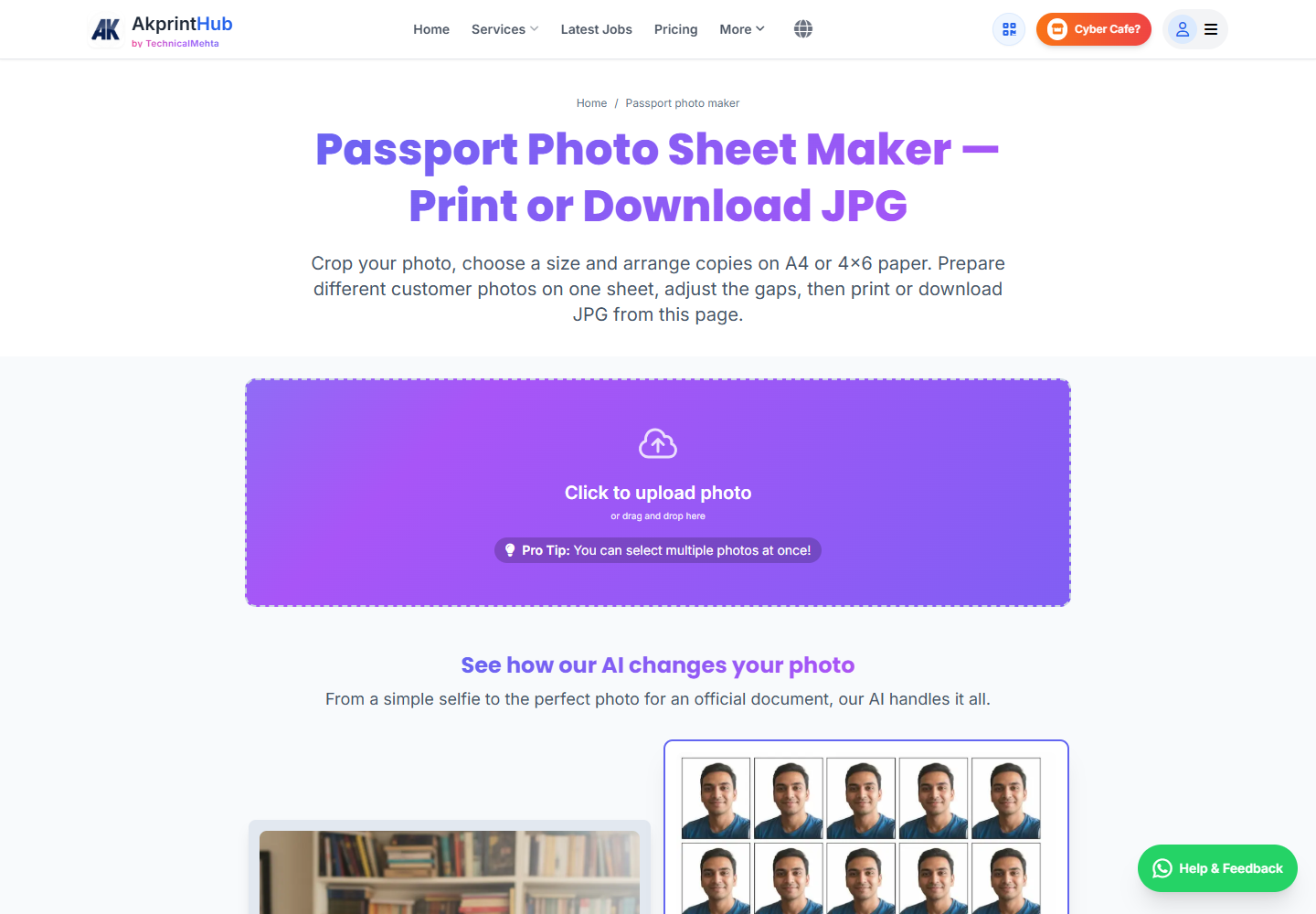
Tool ke screenshots
Actual tool screens aur available demo workflows neeche diye hain. Screenshot par click karke full size mein dekhein. Har caption mein screen ka context diya gaya hai; current interface ya plan details badal sakti hain.
Before you start
A clean source photo saves more time than any later edit. Start with the largest original available rather than a WhatsApp screenshot.
- Use a front-facing photo with the full head and shoulders visible.
- Check the size requested by the form or receiving office; do not guess.
- Keep even light on the face and avoid strong shadows or beauty filters.
- Use JPG, PNG or WEBP and keep the original file available.
How to use this tool
Upload the portrait
Choose one or several photos. Wait for face detection, then confirm that the crop includes the complete head and enough space above it.
Choose the exact size
Select 35×45 mm, 2×2 inch, another country preset or a custom width and height. Use the requirement printed on your form.
Make only needed edits
Adjust the crop, background, brightness or contrast. If you add a suit or erase an area, zoom in and check the edges carefully.
Build the print sheet
Add the prepared photo to the queue, select paper size and copy count, then adjust margins and gaps in the live preview.
Download and print
Save the HD file or print sheet. In the printer dialog choose the same paper size and use 100% or Actual size.
Photo accept hone layak kaise banayein?
Passport-size photo ka kaam sirf background hatana nahi hai. Face straight, aankhen visible, expression natural aur head ke aas-paas balanced space hona chahiye. Tool mein crop set karte waqt chin ya hair ko frame se chipkane ke bajay required head room rakhein.
35×45 mm, 2×2 inch aur exam-form pixels alag requirements hain. Jis form ya office ke liye photo ban rahi hai, uski current instructions pehle padhein; AkPrintHub layout banata hai, acceptance receiving authority decide karti hai.
- Even front lighting use karein
- Beauty filter aur artificial face edit avoid karein
- Final pixels, KB aur physical size alag-alag verify karein
Check before download or print
- Selected dimensions match the application requirement.
- Face is sharp, naturally coloured and not stretched.
- Background edge around hair and shoulders looks clean.
- Paper size, margins, gaps and copy count are correct.
Common mistakes
- Choosing a “passport” preset without checking the country or form.
- Printing with “Fit to page”, which changes the physical photo size.
- Over-brightening the face until details disappear.
- Using a low-resolution screenshot for a large print sheet.
Questions users usually ask
Can I make a 35×45 mm passport photo?
Yes. Select the 35×45 mm preset, check the crop and download a single photo or an A4 sheet.
Can I place different customers on one A4 sheet?
Yes. Prepare each photo, add it to the print queue and set a separate copy count before arranging the sheet.
Why is the printed photo size wrong?
The most common reason is printer scaling. Match the paper size and select 100% or Actual size instead of Fit to page.
Does background removal always give a perfect edge?
No automatic cut-out is perfect for every image. Zoom in around hair, ears and shoulders, and use the manual tools if the edge needs correction.