
Pro Poster Maker Guide
Ek poster ka kaam har detail bolna nahi, pehle nazar mein main message aur next action clear karna hai.
Official tool URL: akprinthub.com/en/service/pro-poster-maker
Readable poster ka basic hierarchy kya hai?
Main offer/headline sabse bada, supporting detail second, date/price clear aur contact/action easily visible.
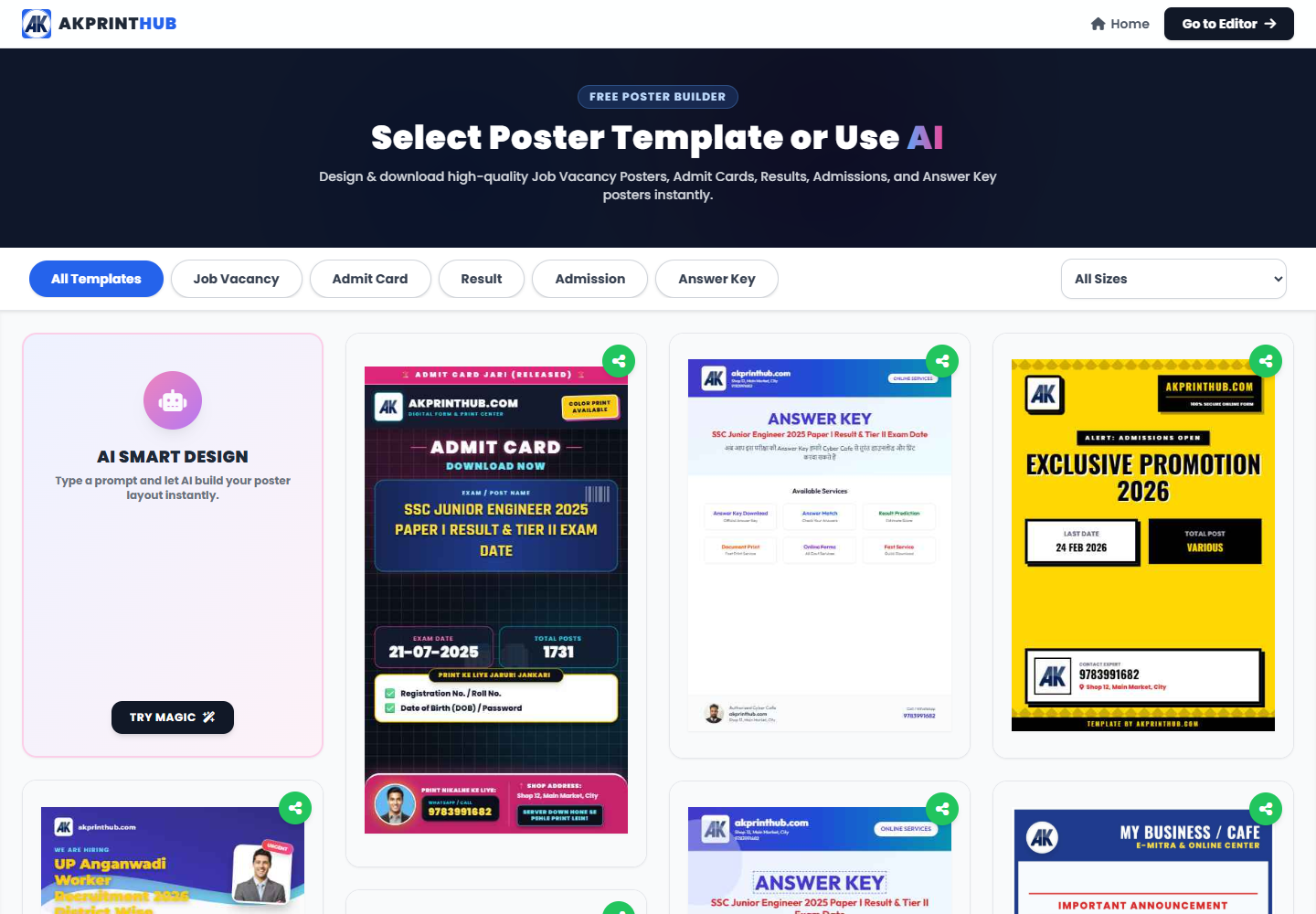
Tool ke screenshots
Actual tool screens aur available demo workflows neeche diye hain. Screenshot par click karke full size mein dekhein. Har caption mein screen ka context diya gaya hai; current interface ya plan details badal sakti hain.
Before you start
Source file ko pehle dekh lena baad ki galti aur rework dono kam karta hai.
- Final headline/offer.
- Correct date and price.
- Licensed/owned images.
- Print or social output size.
How to use this tool
Destination size choose karein
A4 print ya social format.
Short headline likhein
One clear message.
Visual and details place karein
Contrast and spacing maintain.
Contact/CTA add karein
Phone/address verify.
Export proof karein
Phone and test print on both.
AI-jaisa poster copy kaise avoid karein?
“Best quality, amazing service, unbeatable offer” jaise filler ke bajay actual offer likhein: product/service, price, date, location aur contact. Customer ko jo decision lena hai wahi first screen par dikhna chahiye.
Ek poster mein do fonts aur limited colours kaafi hote hain. Har line ko bold karne se hierarchy khatam ho jati hai.
Check before download or print
- Offer terms accurate.
- Date/contact correct.
- Text readable at viewing distance.
- Images licensed and sharp.
Common mistakes
- Too much text.
- Every line same size.
- Low-res WhatsApp logo.
- Wrong social/print dimensions.
Questions users usually ask
A4 poster ka size?
210×297 mm; print export mein bleed/safe margin requirement check karein.
Social aur print same file?
Different aspect ratios ke liye separate layout better hai.
Kitne fonts?
Usually one family with 2 weights ya maximum two complementary fonts.