
Job Application Maker Guide
Formal application short, specific aur verifiable honi chahiye. Template ko facts se fill karein; invented reason ya generic filler avoid karein.
Official tool URL: akprinthub.com/en/service/job-application-maker
Application letter ka simple structure kya hai?
Recipient, date, subject, respectful opening, short request with reason, supporting details, closing, name/contact and attachments list.
Tool ke screenshots
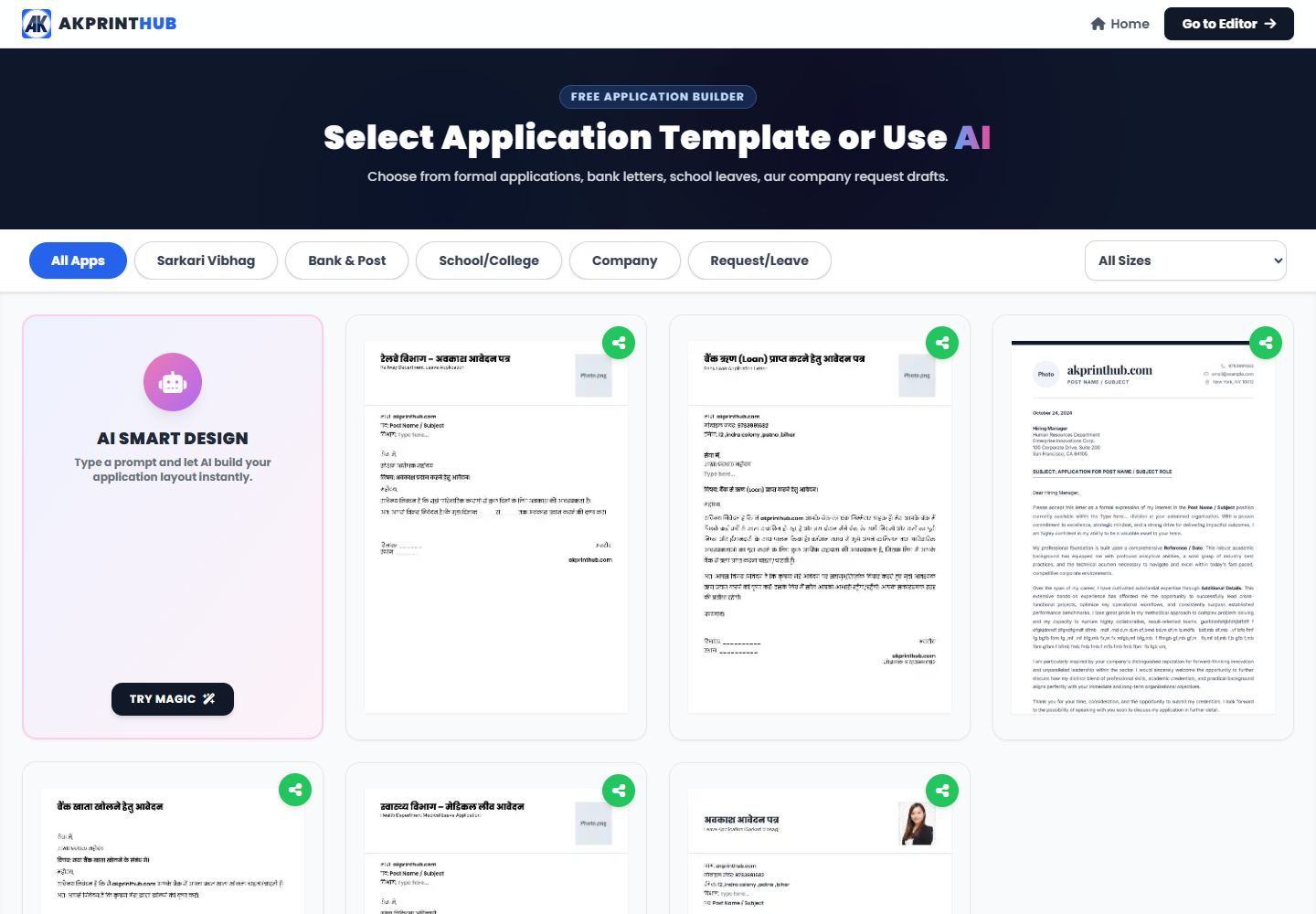
Actual tool screens aur available demo workflows neeche diye hain. Screenshot par click karke full size mein dekhein. Har caption mein screen ka context diya gaya hai; current interface ya plan details badal sakti hain.
Before you start
Source file ko pehle dekh lena baad ki galti aur rework dono kam karta hai.
- Correct recipient/designation.
- Exact request and dates.
- Reference/application number if any.
- Attachment names.
How to use this tool
Application type choose karein
Job, leave, complaint or request.
Recipient/subject fill karein
Specific subject use karein.
Body facts likhein
What, why, when and requested action.
Closing/details add karein
Name/contact and attachments.
PDF proofread karein
Dates, names and page break.
Natural application kaise likhein?
Long emotional paragraph ke bajay first paragraph mein purpose batayein. Doosre mein relevant facts aur last mein requested action/date likhein.
Template mein jo line aapke case par apply nahi karti use remove karein. Department ka name aur designation current notice se copy karke verify karein.
Check before download or print
- Recipient and subject correct.
- Request clear.
- Dates/reference accurate.
- Attachments mentioned.
Common mistakes
- Wrong department name.
- Generic subject.
- Unverified claims.
- Placeholder text left.
Questions users usually ask
Application kitni lambi?
Most routine requests one page mein clear ho sakti hain.
Hindi ya English?
Department instruction ya recipient context follow karein.
Signature space?
Print submission ke liye closing ke neeche sign space rakhein.