
Pro ID Card Maker Guide
Pro ID Maker private school/organisation cards ke authorised design ke liye hai, government ID banane ya imitate karne ke liye nahi.
Official tool URL: akprinthub.com/en/service/pro-id-maker
ID card design shuru karne se pehle kya chahiye?
Organisation approval, correct logo, card dimensions, verified member data, recent photo aur print/cutting plan.
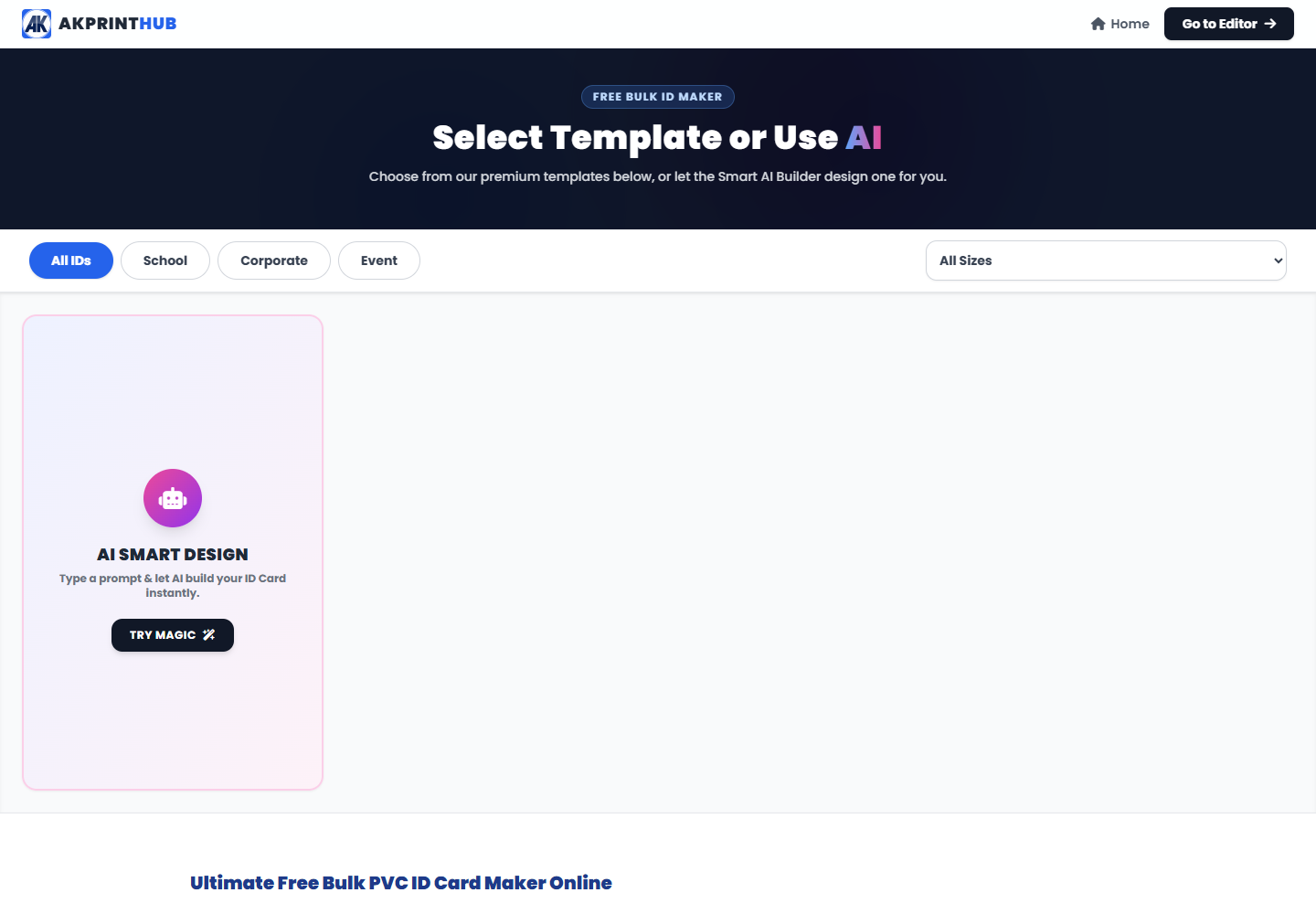
Tool ke screenshots
Actual tool screens aur available demo workflows neeche diye hain. Screenshot par click karke full size mein dekhein. Har caption mein screen ka context diya gaya hai; current interface ya plan details badal sakti hain.
Before you start
Source file ko pehle dekh lena baad ki galti aur rework dono kam karta hai.
- Organisation authorisation.
- Approved logo/colours.
- Verified names and IDs.
- Card size and front/back fields.
How to use this tool
Template/size choose karein
Organisation requirement match.
Branding set karein
Logo clear and not stretched.
Member details add karein
Spelling and ID number verify.
Photo crop karein
Consistent head size/background.
Print sheet test karein
Cut line and Actual size check.
Professional school/staff ID mein consistency kaise rakhein?
Sab cards mein same photo crop, font size, logo placement aur field order use karein. Excel/source list se details lete waqt row-person mapping double-check karein.
Government emblems, official seals ya misleading labels use na karein. Card par issuing school/organisation ka real name aur authorised signatory area clear ho.
Check before download or print
- Authorisation confirmed.
- Name/photo mapping correct.
- Logo sharp.
- Cutting safe area.
Common mistakes
- Government ID imitate karna.
- Wrong person photo/data.
- Logo stretch karna.
- Batch proof skip karna.
Questions users usually ask
Government ID bana sakte hain?
Nahi. Sirf authorised private organisation/school/staff cards ke liye use karein.
Batch mein error kaise rokein?
Source list aur preview ko row-by-row verify karke one test sheet print karein.
PVC print size?
Template dimensions preserve karke Actual size print karein.