
CSC ID Registration Help Guide
AkPrintHub guidance/support de sakta hai; eligibility, approval aur final CSC account official CSC system ke control mein hota hai.
Official tool URL: akprinthub.com/en/service/csc-id-registration
Registration support aur official approval mein kya fark hai?
Support documents/checklist samjhata hai. Account approval, status and credentials sirf official authority/process se aate hain.
Tool ke screenshots
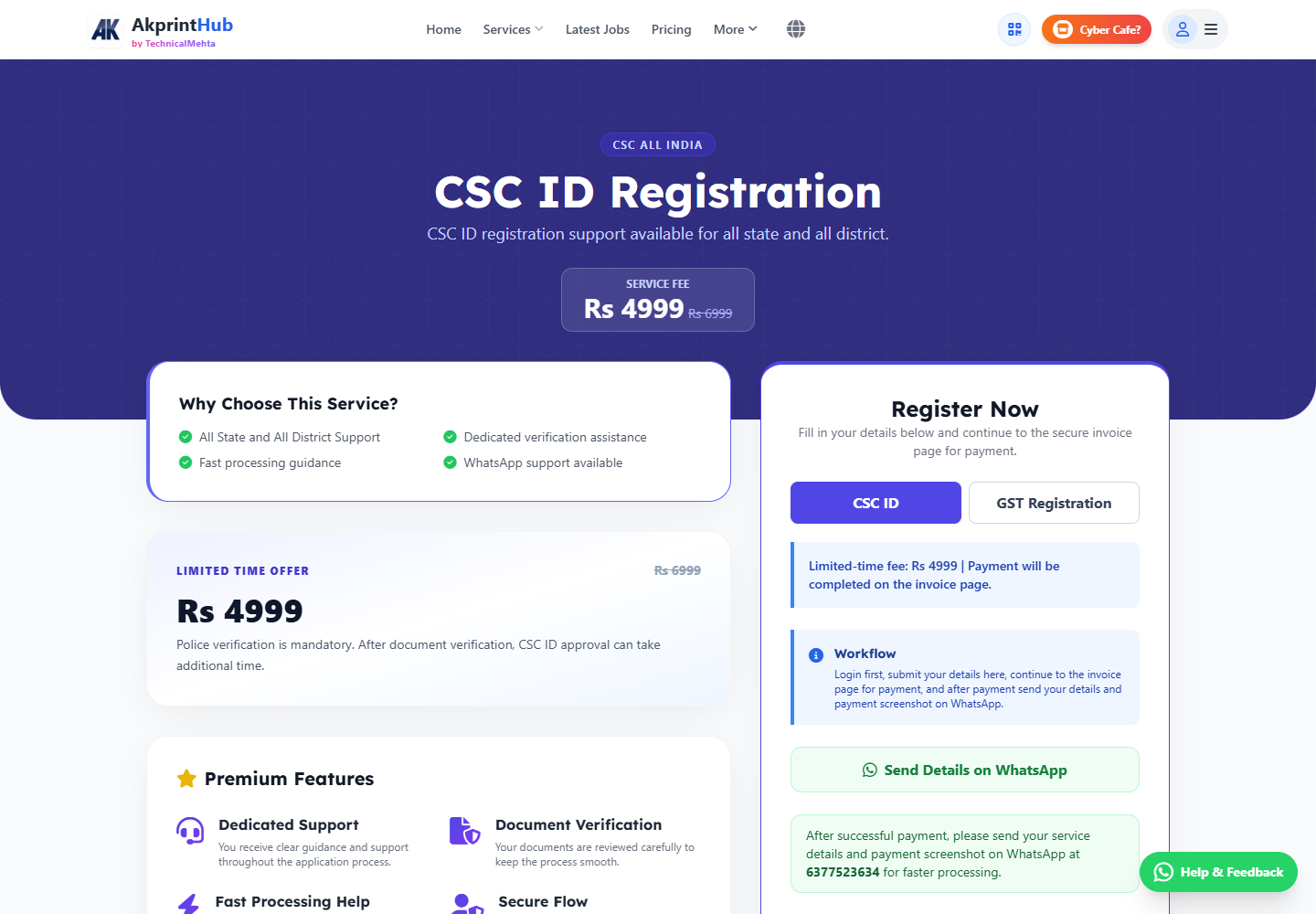
Actual tool screens aur available demo workflows neeche diye hain. Screenshot par click karke full size mein dekhein. Har caption mein screen ka context diya gaya hai; current interface ya plan details badal sakti hain.
Before you start
Source file ko pehle dekh lena baad ki galti aur rework dono kam karta hai.
- Current eligibility official source se check.
- Own phone/email.
- Required documents clear.
- Fees/terms written form mein.
How to use this tool
Support page open karein
Service details read karein.
Requirements list banayein
Only current official checklist follow.
Documents prepare karein
Clear scans, matching names.
Official process complete karein
Credentials/OTP khud handle karein.
Status official portal par track karein
Third-party promise par rely na karein.
Registration support aur official approval mein farq
Support page documents aur process samajhne mein madad kar sakta hai, lekin account eligibility, approval aur credentials CSC authority ke control mein hote hain. Current requirements official CSC source se compare karein.
OTP, password ya remote access kisi support person ko na dein. Application submit hone ke baad official reference number aur receipt khud save karein; verbal approval claim par bharosa na karein.
- Official domain verify
- Applicant controls OTP and password
- Reference/receipt safely saved
Check before download or print
- Official eligibility current.
- Names match.
- No OTP/password shared.
- Receipt/reference saved.
Common mistakes
- Guaranteed approval claim maan lena.
- OTP/share credentials.
- Outdated document list.
- Unofficial payment without receipt.
Questions users usually ask
Kya approval guaranteed hai?
Nahi, approval official eligibility and verification par depend karta hai.
OTP share karna hai?
Nahi. OTP/password khud enter karein.
Status kahan check hoga?
Official CSC portal/process mein.