
NSDL PAAM Agency Information Guide
Agency or service access lene se pehle provider identity, written terms, support scope aur official PAN ecosystem references verify karein.
Official tool URL: akprinthub.com/en/paam
PAAM service buy karne se pehle kya verify karein?
Provider/contract identity, one-time and recurring fees, KYC requirements, refund terms, official association and support channel.
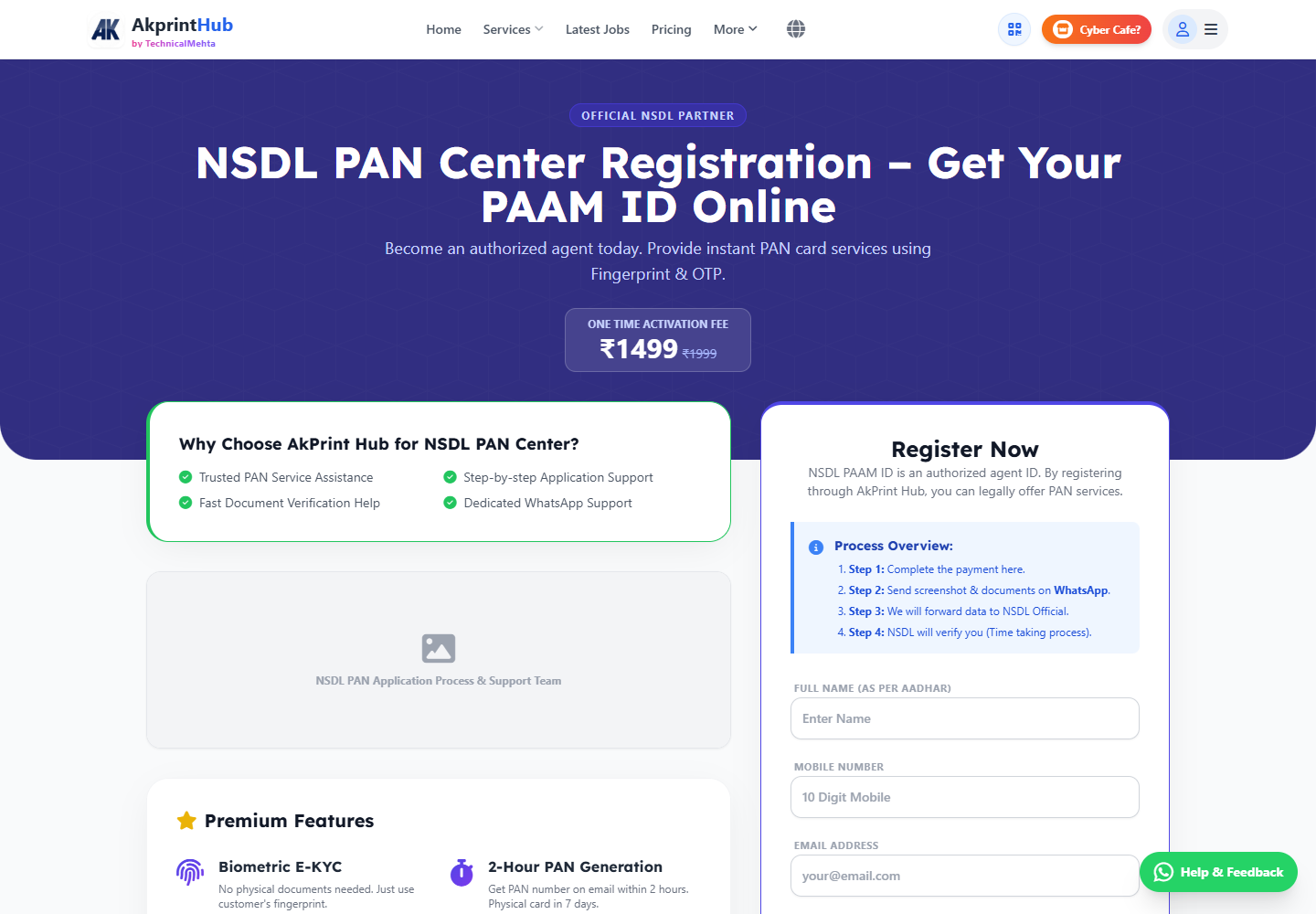
Tool ke screenshots
Actual tool screens aur available demo workflows neeche diye hain. Screenshot par click karke full size mein dekhein. Har caption mein screen ka context diya gaya hai; current interface ya plan details badal sakti hain.
Before you start
Source file ko pehle dekh lena baad ki galti aur rework dono kam karta hai.
- Written plan/fees.
- Provider business identity.
- Current eligibility/documents.
- No password/OTP sharing.
How to use this tool
Service page details padhein
Included features and limitations note.
Provider verification karein
Written invoice and support contact.
Official rules compare karein
Current PAN service information.
KYC securely complete karein
Only necessary authorised documents.
Activation proof save karein
Receipt, agreement, reference.
Agency offer verify karne se pehle kya dekhein?
Provider ka legal name, written charges, support channel aur activation terms invoice/agreement mein check karein. “Government approved” ya guaranteed income jaise claims ko official PAN service information se independently compare karein.
KYC documents sirf verified, necessary process mein share karein. OTP, password aur customer data ka control applicant/operator ke paas rahe; activation ka written proof aur transaction receipt save karein.
- Provider identity and invoice
- Official PAN service comparison
- No credential sharing
Check before download or print
- Provider details match.
- Fees/refund written.
- No guarantee misleading.
- Credentials private.
Common mistakes
- Verbal promise only.
- Unknown file-sharing KYC.
- OTP/password share.
- Official NSDL/Protean affiliation assume.
Questions users usually ask
Kya PAAM approval guaranteed hai?
Nahi; written eligibility and provider terms verify karein.
OTP dena chahiye?
Nahi. Credentials and OTP khud control karein.
Official PAN info kahan?
Income Tax/Protean official sources use karein.