
GST Registration Support Guide
GST registration legal/tax process hai. AkPrintHub support documentation mein help kar sakta hai; final application and decision GST authorities ke paas hota hai.
Official tool URL: akprinthub.com/en/service/gst-registration
GST application se pehle sabse important kya hai?
Business constitution, PAN/name/address consistency, authorised signatory and current official document requirements ko verify karna.
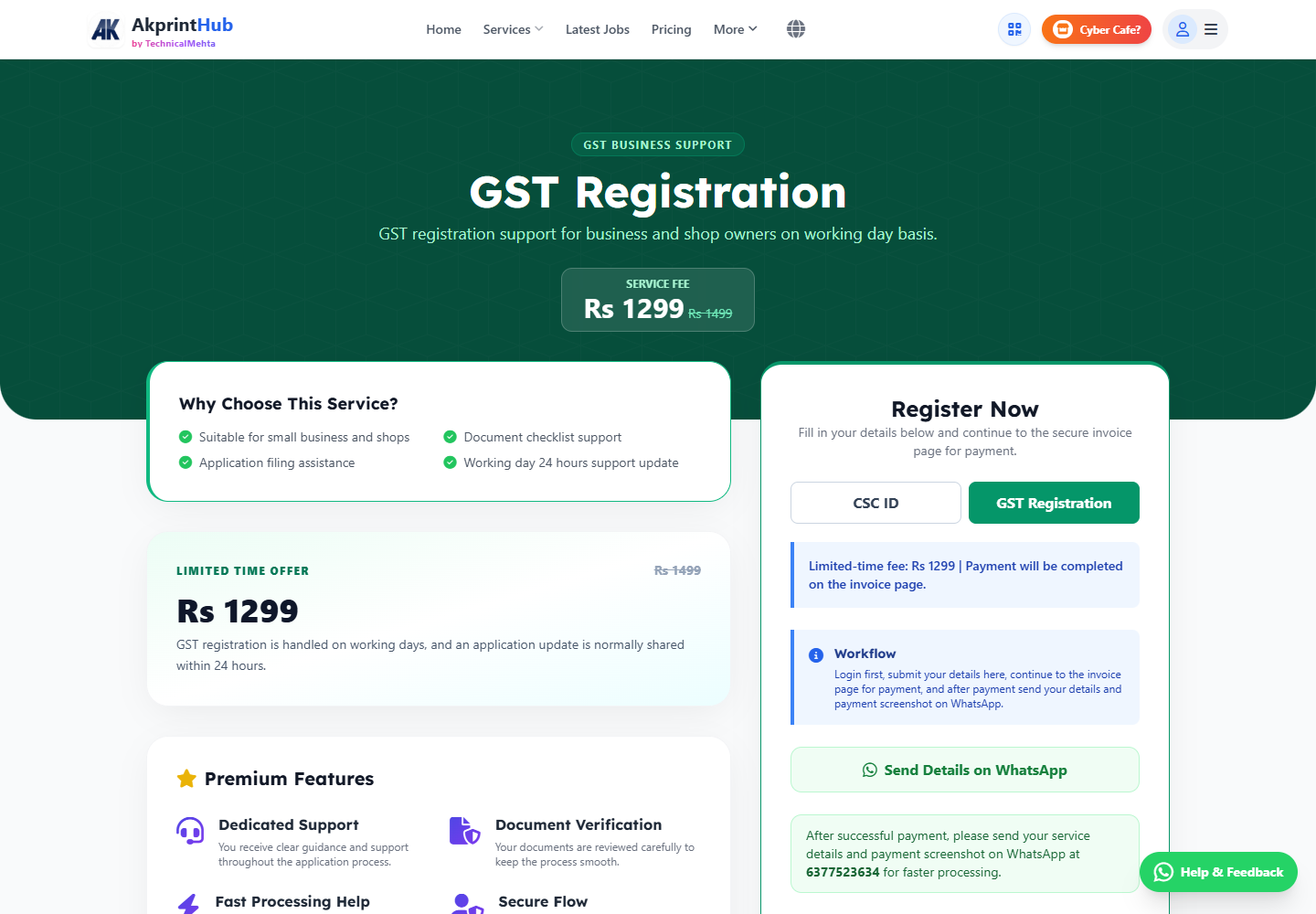
Tool ke screenshots
Actual tool screens aur available demo workflows neeche diye hain. Screenshot par click karke full size mein dekhein. Har caption mein screen ka context diya gaya hai; current interface ya plan details badal sakti hain.
Before you start
Source file ko pehle dekh lena baad ki galti aur rework dono kam karta hai.
- Business type and PAN details.
- Address proof and ownership/consent docs.
- Authorised signatory access.
- Official fee/process clarification.
How to use this tool
Support details read karein
Scope and charges samjhein.
Document checklist verify karein
Current GST portal rules use karein.
Scans prepare karein
Readable, complete, matching data.
Application review karein
Submit se pehle every field check.
ARN/status save karein
Official portal par track.
GST application se pehle consistency check
Business name, PAN, constitution, address proof aur authorised signatory details ek doosre se match honi chahiye. Spelling ya address-format mismatch clarification aur delay ka common reason ban sakta hai.
GST legal/tax registration hai; current eligibility aur document rules official GST portal ya qualified professional se confirm karein. OTP applicant ya authorised signatory khud handle kare aur ARN/acknowledgement save rakhe.
- PAN-name exact match
- Current address documents
- ARN and submitted copy retained
Check before download or print
- PAN/name exact match.
- Address proofs current.
- Authorised signatory controls OTP.
- ARN/receipt saved.
Common mistakes
- Generic old checklist.
- Wrong trade/legal name.
- OTP credentials share.
- Unverified tax advice act on.
Questions users usually ask
GSTIN approval kaun karta hai?
GST authorities official application review karti hain.
OTP support ko dena hai?
Nahi, authorised person khud handle kare.
Documents same name mein hone chahiye?
Name/address consistency important hai; official checklist follow karein.