
Document Album Print Guide
Document Album mode kai front/back document sets ko ek A4 layout mein arrange karta hai jise preview ke hisab se fold karke compact copy banayi ja sakti hai.
Official tool URL: akprinthub.com/en/service/id-card-print?mode=document_album
Document Album banate waqt sabse bada risk kya hai?
Front aur back ki galat pairing ya fold direction. Har set ko naam dekar add karein aur final A4 preview ko print se pehle side-by-side check karein.
Tool ke screenshots
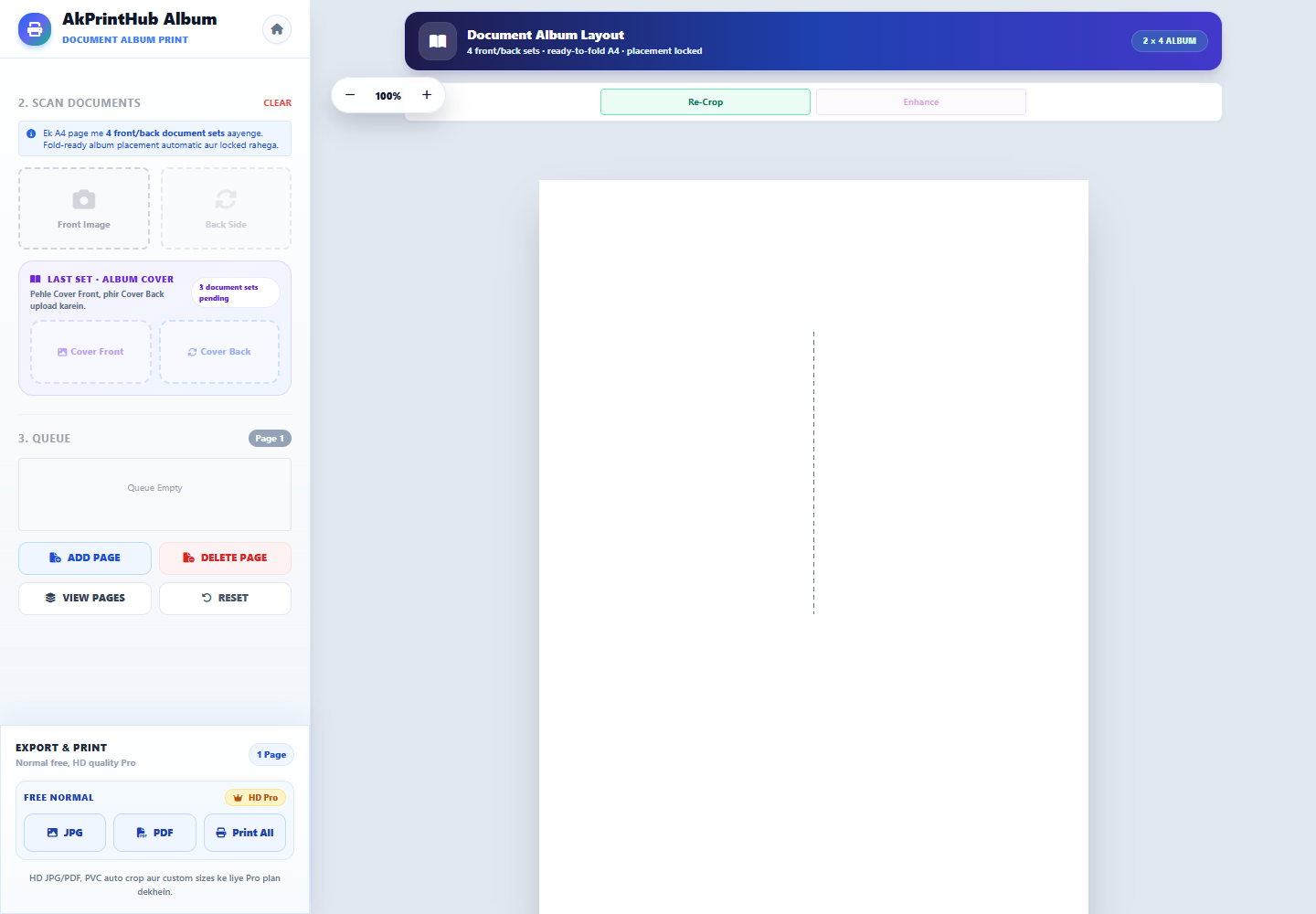
Actual tool screens aur available demo workflows neeche diye hain. Screenshot par click karke full size mein dekhein. Har caption mein screen ka context diya gaya hai; current interface ya plan details badal sakti hain.
Before you start
Source file ko pehle dekh lena baad ki galti aur rework dono kam karta hai.
- Har document ka front aur back clear rakhein.
- Files ko person/document naam ke saath group karein.
- A4 paper aur printer orientation confirm karein.
- Ek sample album pehle test karein.
How to use this tool
Document Album mode kholen
ID Card Print workspace mein document_album mode select karein.
Set-wise images add karein
Har front ke turant baad usi document ka back add karein.
Auto crop review karein
Tilt, missing edge aur wrong orientation ko set-by-set correct karein.
Fold preview samjhein
Page par placement aur final fold order ko preview se match karein.
Test print aur fold karein
Actual size par ek sheet print karke cut/fold sequence verify karein.
Front-back document mix hone se kaise bachayein?
Customer se file lete hi pairs banayein: Aadhaar-front/Aadhaar-back, PAN-front/PAN-back. Generic names IMG_001 aur IMG_002 par bharosa na karein. Preview mein naam, photo aur document type compare karein.
Album layout mein kuch images print direction ke hisab se rotated dikh sakti hain. Sirf screen orientation dekhkar rotate na karein; fold preview ke final reading direction ko check karein.
Check before download or print
- Har front ke saath correct back paired hai.
- Crop mein poora border aur important text hai.
- A4 orientation aur Actual size selected hai.
- Test fold ke baad sab panels seedhe padhte hain.
Common mistakes
- File names check kiye bina bulk upload.
- Fold layout ko normal grid samajhna.
- Fit to page se dimensions badalna.
- Test sheet ke bina poora batch print karna.
Questions users usually ask
Kitne document sets use kar sakte hain?
Current tool preview mein available slots dekhein; Document Album workflow up to four front/back sets ke liye designed ho sakta hai.
Print ulta kyun lag raha hai?
Fold layouts mein kuch panels intentionally rotated ho sakte hain. Final fold preview se direction verify karein.
Kaunsa print scale use karein?
A4 paper ke saath 100% ya Actual size use karein.